Implementing Global Illumination to Lumina Studio
Let's get this out of the way first: I had no valid reasons, nor the game that we are doing, in any shape or needs for the global illumination. I personally think it's just a cool addition to the rendering system and was purely done because I wanted the renderer to feel a bit complete.
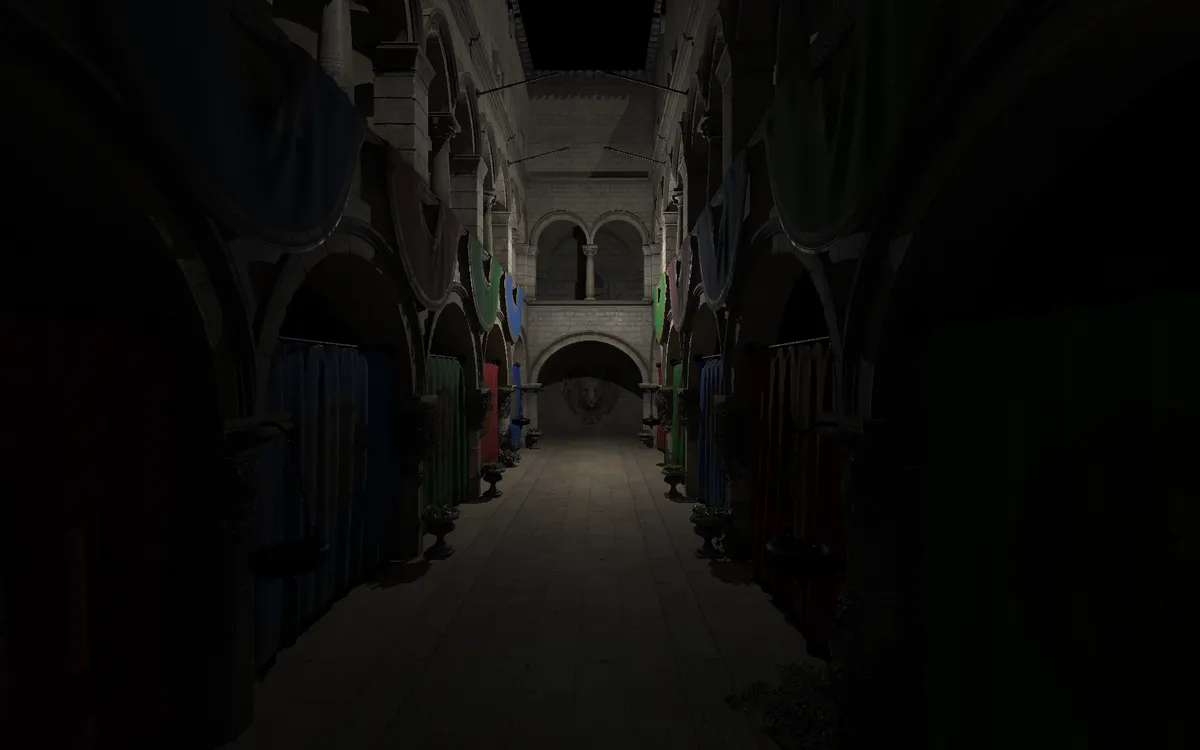
I am not going to blab on how GI works, why we want them, how it looks cool, how it's an engineering challenge or what not. What this post will be, is a post mortem of trying out different GIs, and finally nailing down a technique that fits my requirements.
I only had two requirements out of it by the way: A GI that will run smoothly on a Steamdeck, and it shuold only consume 4ms or less of the frame budget.
Obviously, the first attempt would be a Screen Space Global Illumination and one technique that I had some hopes with, was SSILVB.
My Adventures with SSILVB
I found a paper about SSILVB, the only reason that I chose this was because it was both a AO and GI solution (I already had GTAO in the engine). I was able to get some initial looks of this, but I couldn't solve the flickering of the resulted GI.
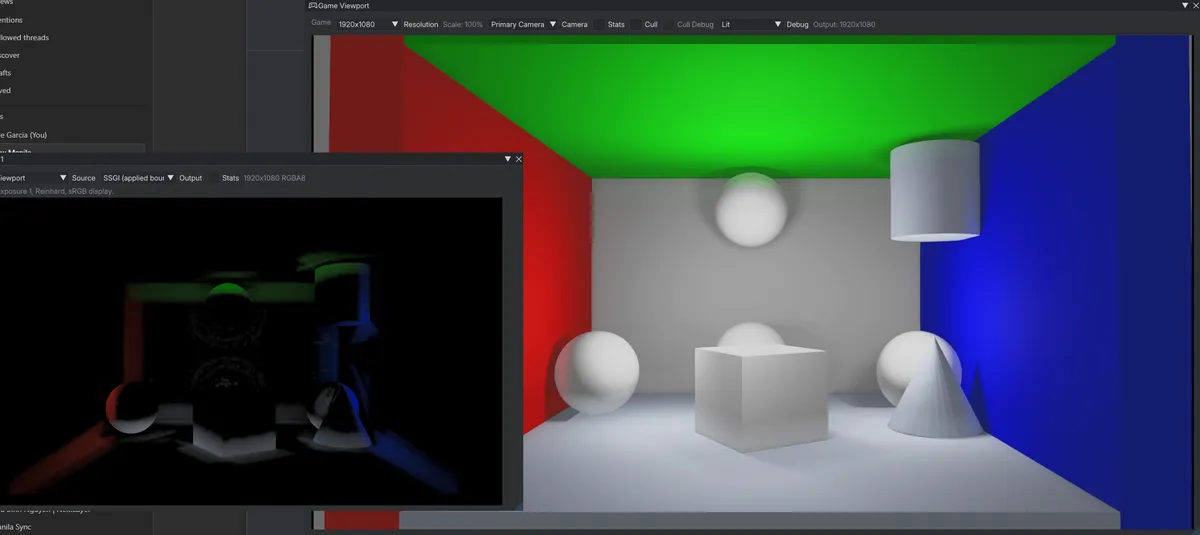
Also, I was having a hard time removing the bands from the resulted GI
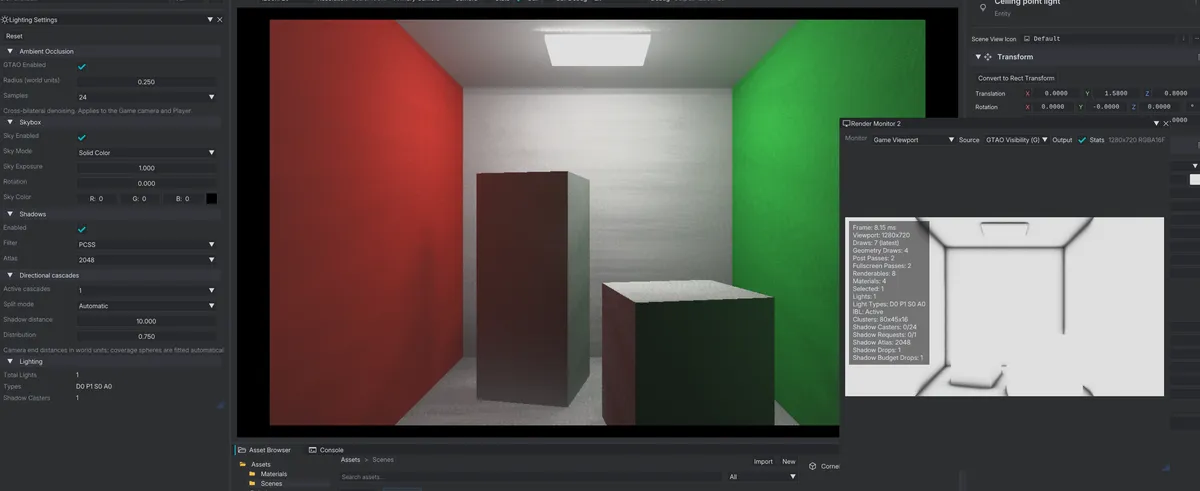
I also tried spatial filtering and temporal accumulation with projection, and though it did perform better, I was not really a fan of the temporal accumulation.
Trying GI with Voxels this time
The next idea was to do Voxels. Initially, I wanted to make a hybrid screen space + voxel fallback, but then I just decided on to focus on just the voxels.
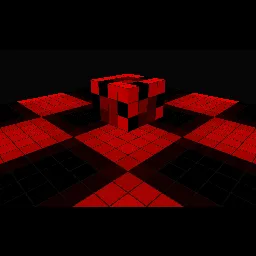
Here I found that I could make 3D textures, and cascade them for different resolutions.
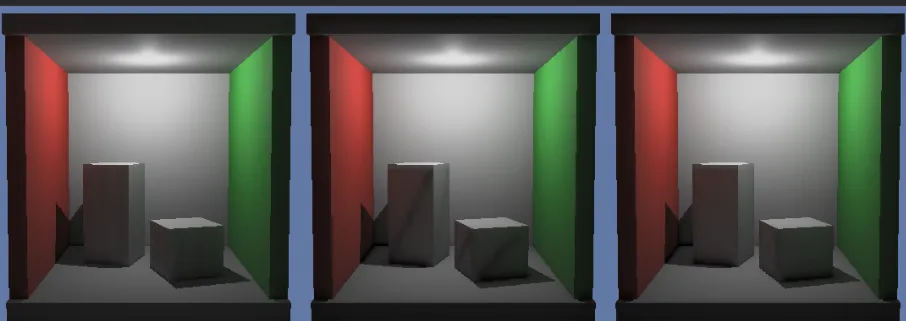
This however was so bad that it introduced banding that I couldn't get off. The performance wasn't really hitting it where voxelization and gathering was already taking most of the GI budget.
and then I tried the hybrid SSILVB + Voxel as fallback
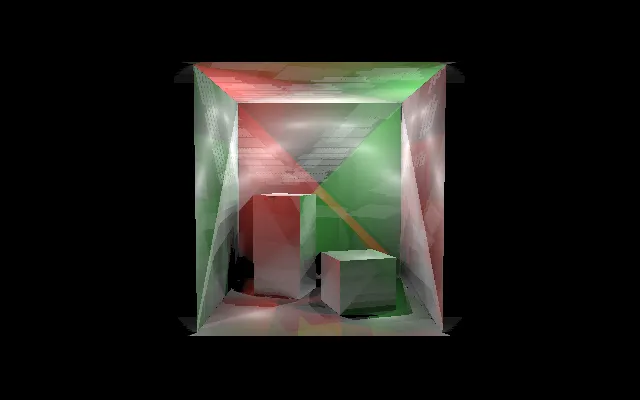
and I said nope.
Finally trying a last GI technique, DDGI
After months of trial and error, I decided to try out a different GI solution and if this did not give me the results that I need, then GI is not meant to be.
One things that steered me away from this technique though was the probe setup, which is quite close to how you setup reflection probes in Unity. I wanted a solution that doesn't really need any setup, but I guess now its just a minimal setup.
The initial implementation was to create a triangle hierarchy, but then finally settled in for an SDF approach. This required some additional data from the meshes on import, but that should be quite an easy injection in the import process.
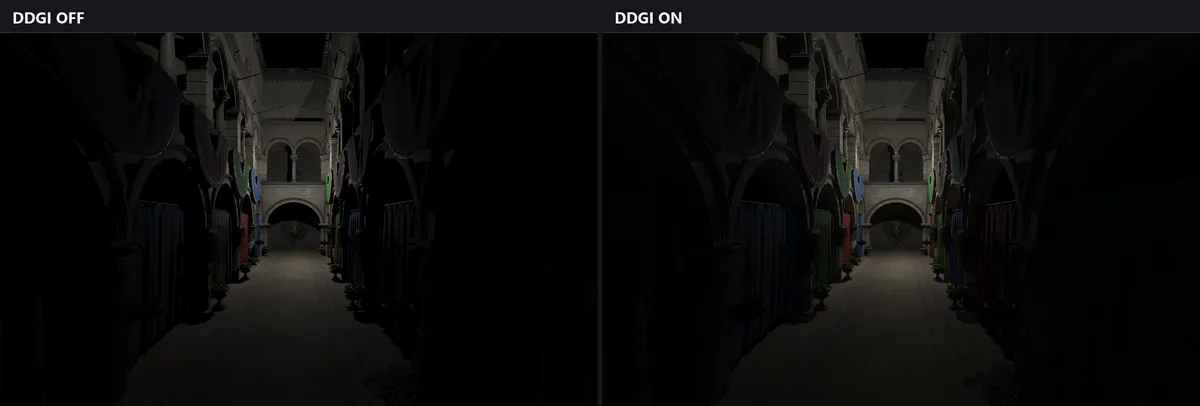
DDGI didn't go as smoothly the first time though. I have faced with a lot of patches, and incoherent GI results
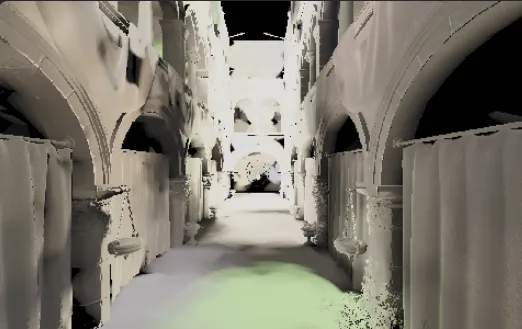
This is due to probes sampling from within the geometry, some sampling problems, and ray positions from the probes.
The Tests
| Test | Added GPU Time, Median | Added GPU Time, p95 |
|---|---|---|
| Sponza full hall, first pass, 990 probes, six directions | 5.85 ms | 5.90 ms |
| Sponza full hall, half-resolution gather and merge corrections, 990 probes, GTAO on | 3.70 ms | 3.84 ms |
Each row compares GI on with its own matched GI-off run at 1280×800; these are different workloads and benchmark configurations, not a direct speedup ratio. The last row is from a physical Steam Deck running the packaged Windows Player through Proton at 15 W. It passed our 4 ms incremental GPU budget at the median and p95.