Sprite Editor and Sprite Sheets
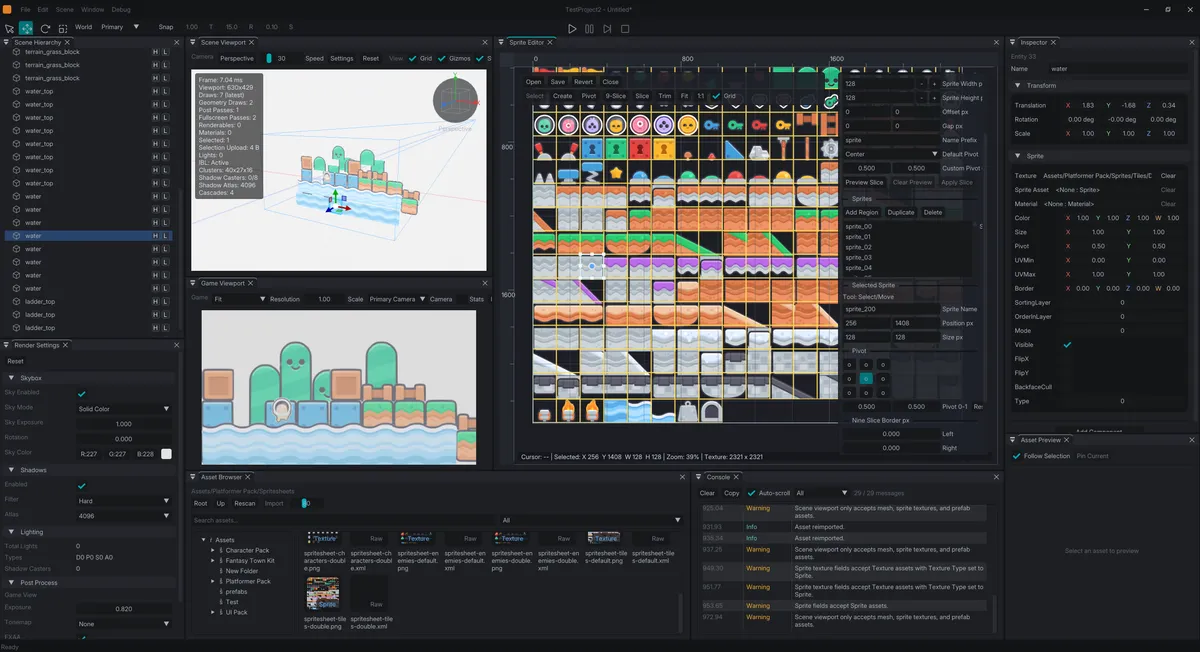
This is one of the latest features that I have been working on in Lumina Studio. Since the game that I have been planning to do requires both 2D and 3D, it make sense to make a sprite editor within the editor.
Implementing Sprites to Lumina Studio
The engine doesn't have a "Sprite" asset. Just like the other assets within the project folder, all them have their own metadata that fills in the role of the file in the engine.
These metadata can be altered based on how you want the asset to be used:
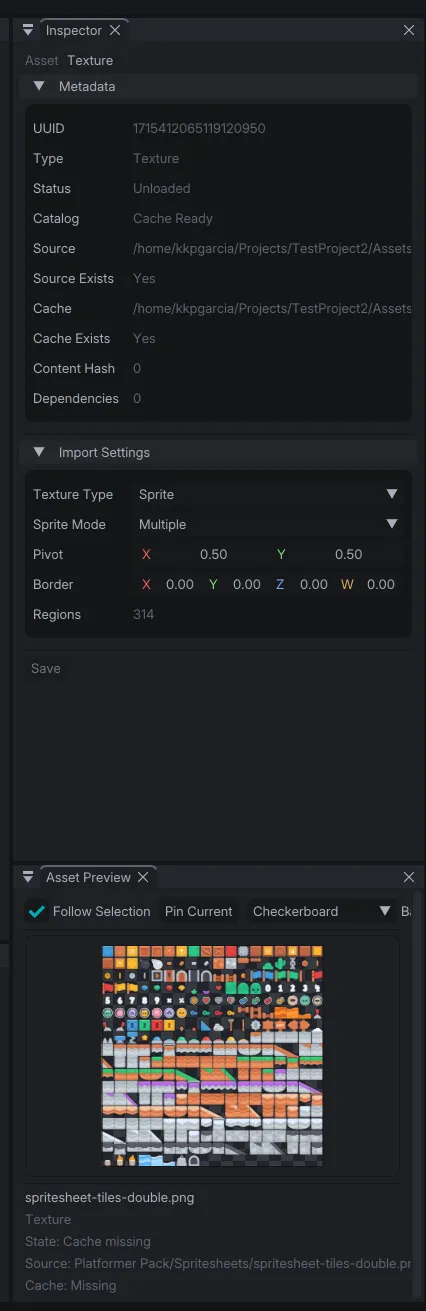
In this case, we'd want the texture to be sprites, and we can either choose if it provides a single sprite, or multiple ones for atlases or sprite sheets.
By having them as sprite, they can now be simply be dragged into the scene, or can be edited using the sprite editor.
Sprite Editor
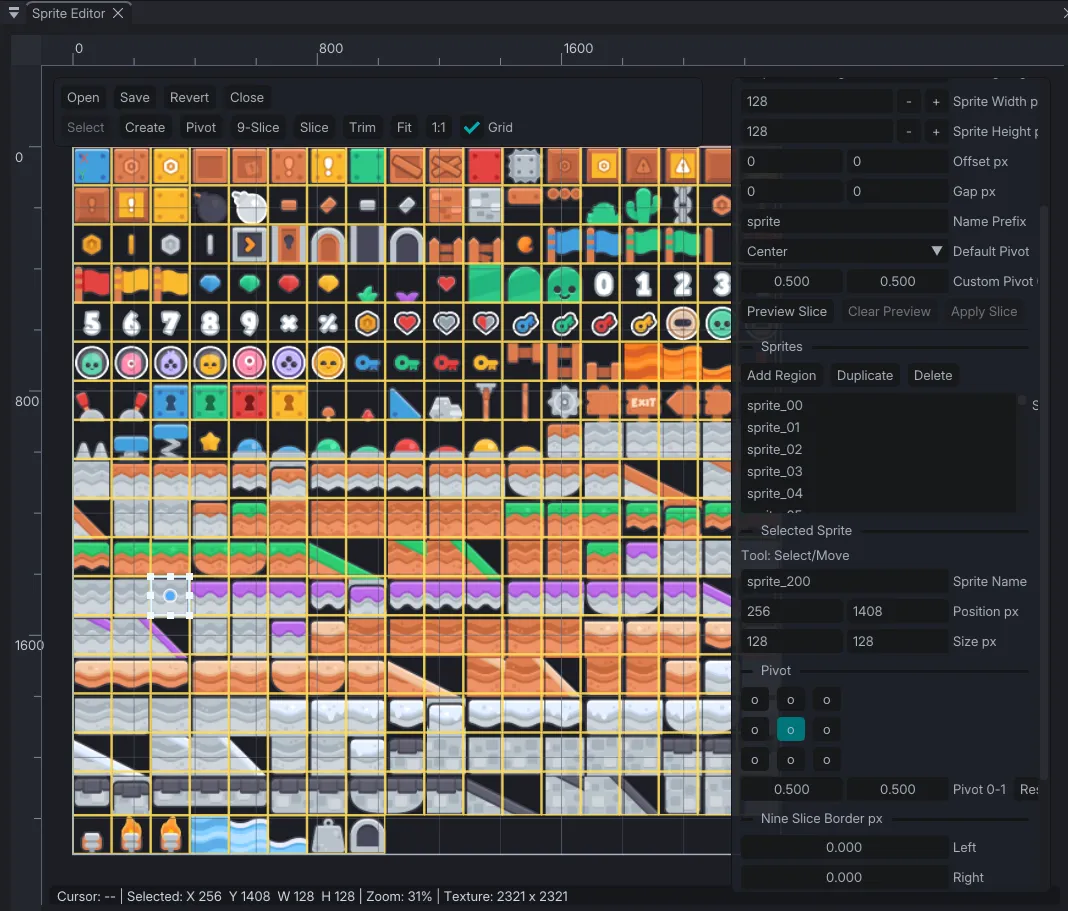
The sprite editor allows you to create regions in the texture and pinpoint what part of the texture you want to be shown in the sprite.
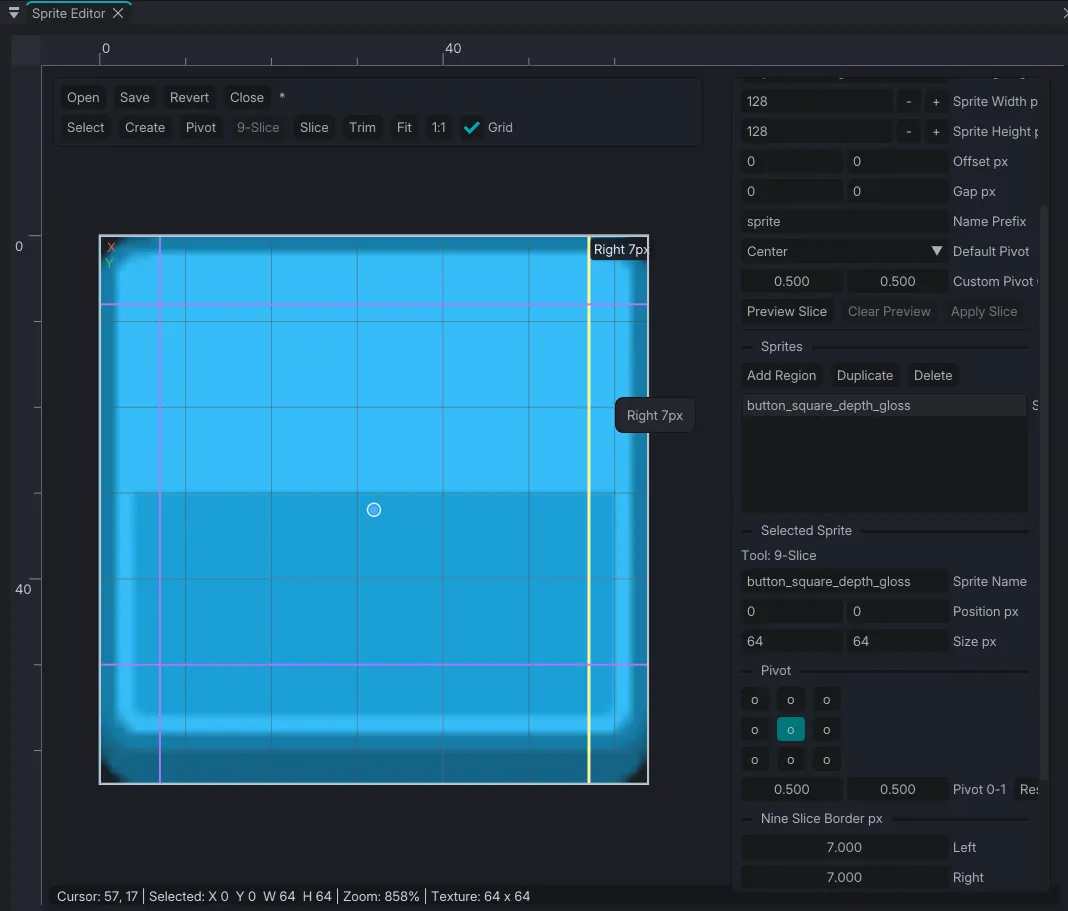
It can also be used to create 9 splice of the texture for slicing or tiling mode for the texture, and change the pivot of the texture.
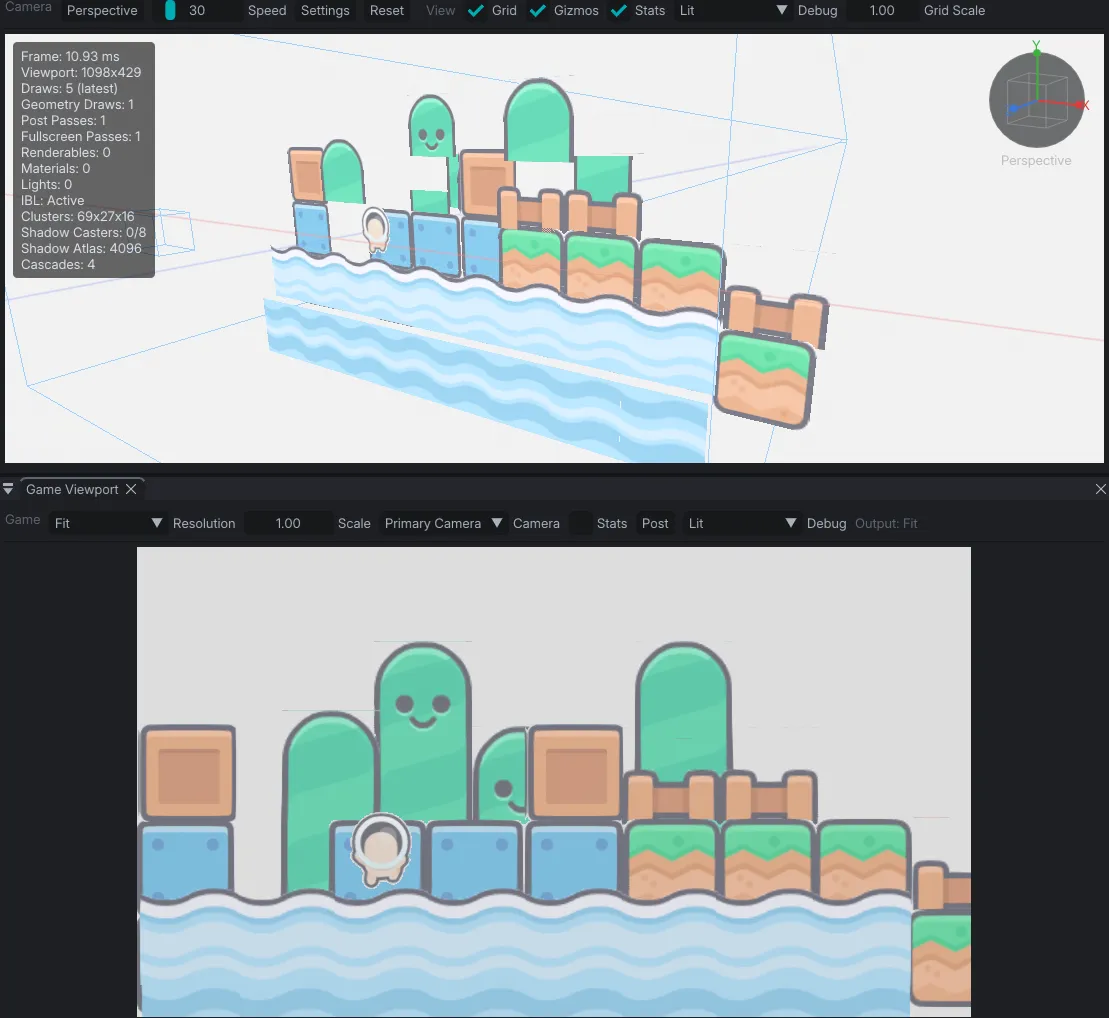
With a quad, textures, and sprite, I can now create 2D worlds within the scene editor of the game engine.
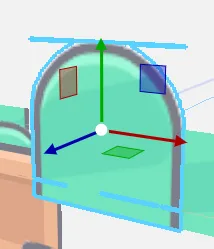
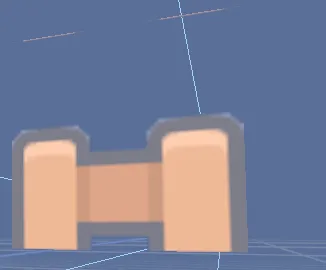
There are still some overflowing pixels with these things and they are qutie evident when the selection outline is active on the sprites so I guess there are still some polishing that needs to be done with.
For now, the functionality works, so let's leave it at that. It's another AM here and I need some shutdown. :D